Capture your way
Capture an area, a window or a display. Send the result to the library, the clipboard, or both, with timing and window-shadow controls where supported.
A native Mac library for screenshots, copied text and scanned documents. Bring the useful things you capture into one organized place, then search, mark up and share them when you need them.
In active developmentScreenshots are only useful if you can find them again. The library brings capture and organization into the same workflow.
Capture an area, a window or a display. Send the result to the library, the clipboard, or both, with timing and window-shadow controls where supported.
Keep copied images and text alongside saved screenshots. Scan paper documents to PDF using a supported Mac and iPhone setup.
Group captures into collections without moving or duplicating their files. Search names, saved text and recognized text in screenshots.
Inspect captures in the preview pane, give them meaningful names, add markup, and share or drag them into the place you need them.
A look at the app on Mac. Select any screenshot for a larger view.
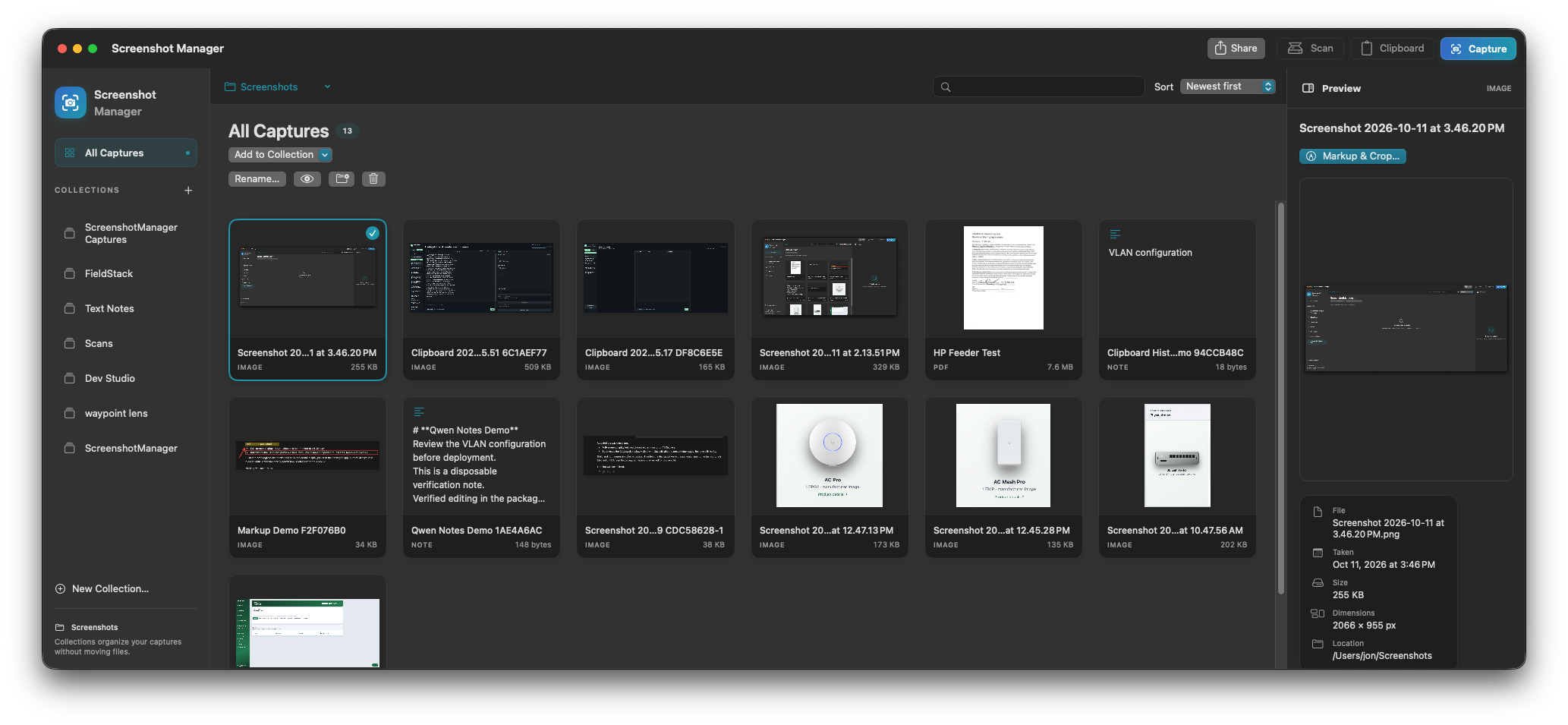
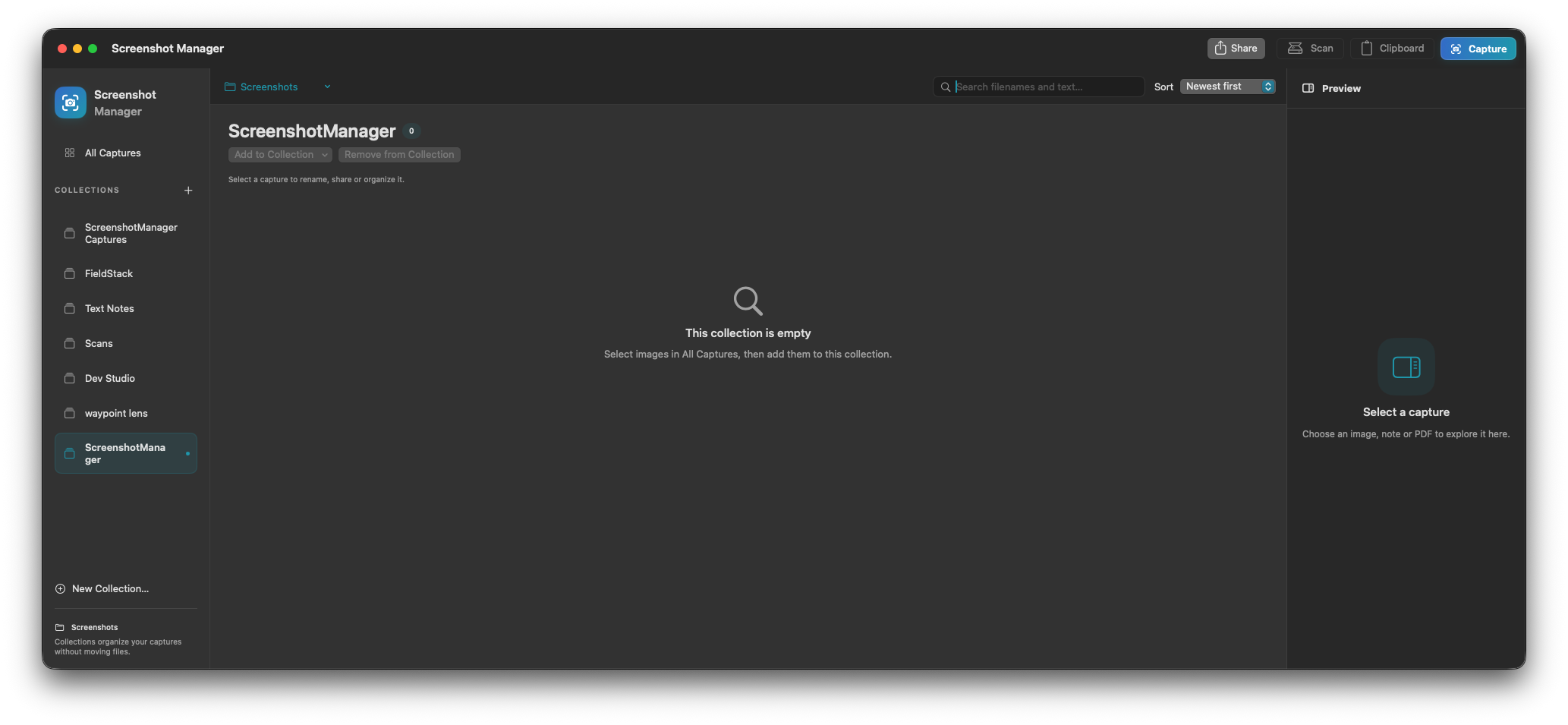
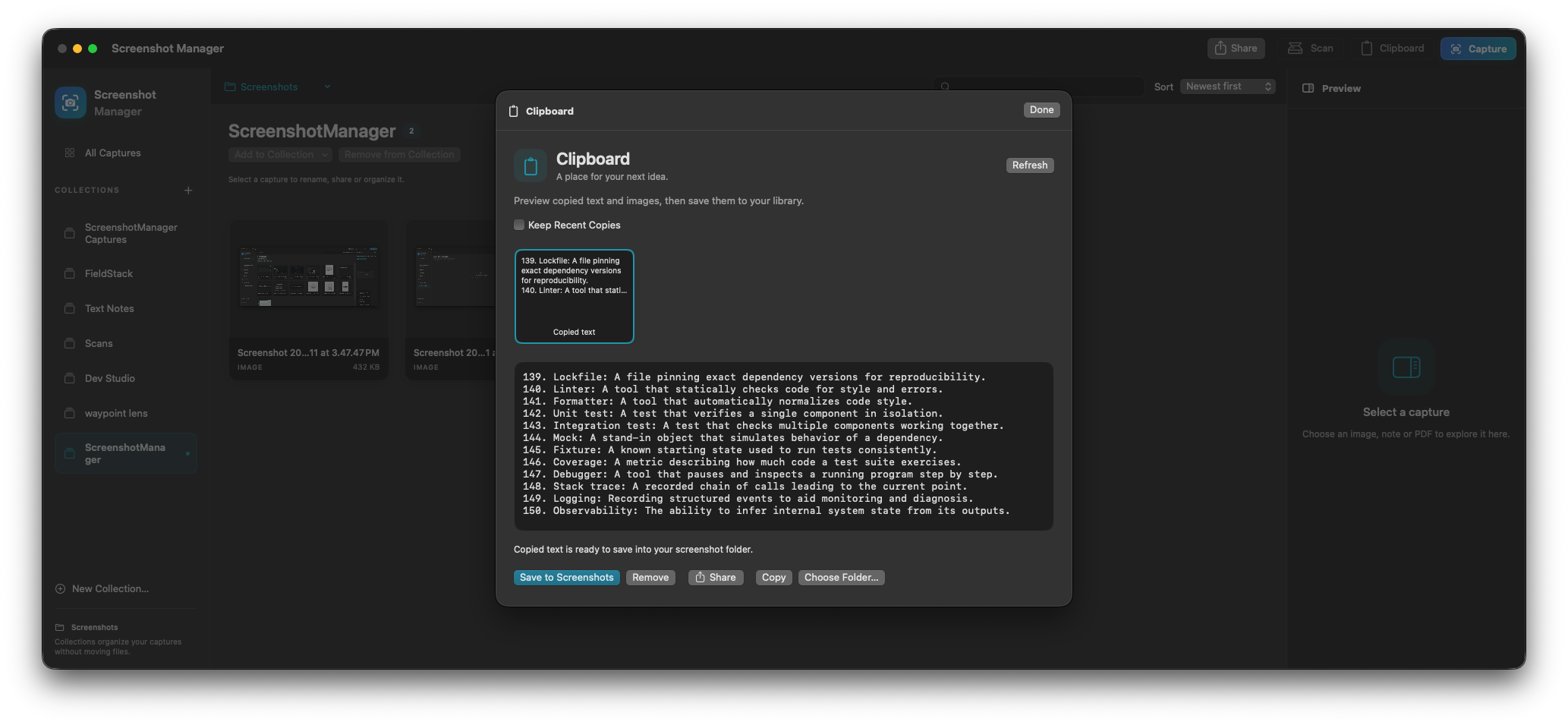
Capture from the app, use the clipboard, or bring an existing image or document into the library.
Choose a library folder, name the capture and add it to a collection. Keep useful notes with the image.
Search the library, review the result, then mark up, share or drag the capture into another application.
Screenshot Manager is in active development and is growing through real capture, clipboard and document workflows. A public download is not offered on this page.
Screenshot Manager runs as a native Mac application with a library and preview pane. A global shortcut brings it forward. Screenshot capture uses macOS Screen Recording permission.