Chat and Projects
Keep ordinary conversations separate from project work. Chat handles questions and ideas; Projects adds scoped file tools, Git inspection and reviewed coding tasks.
Talk through an idea or work on a project with Qwen. Connect your own Ollama server, follow the work as it happens, and review proposed commands and changes before they run.
In active developmentA conversational workspace with the controls you need when an idea turns into actual work.
Keep ordinary conversations separate from project work. Chat handles questions and ideas; Projects adds scoped file tools, Git inspection and reviewed coding tasks.
See proposed changes and command arguments before approving them. Codex requests also require approval, with a visible description of what is being sent.
Conversations, tool activity and checkpoints are saved on the host Mac. Context handoffs retain the goal and recorded outcomes as longer tasks continue.
Enable Web for approved public searches and page reading with source links. Attach images for questions, or ask Codex to generate or edit an image with a separate approval.
A look at the app on Mac. Select any screenshot for a larger view.
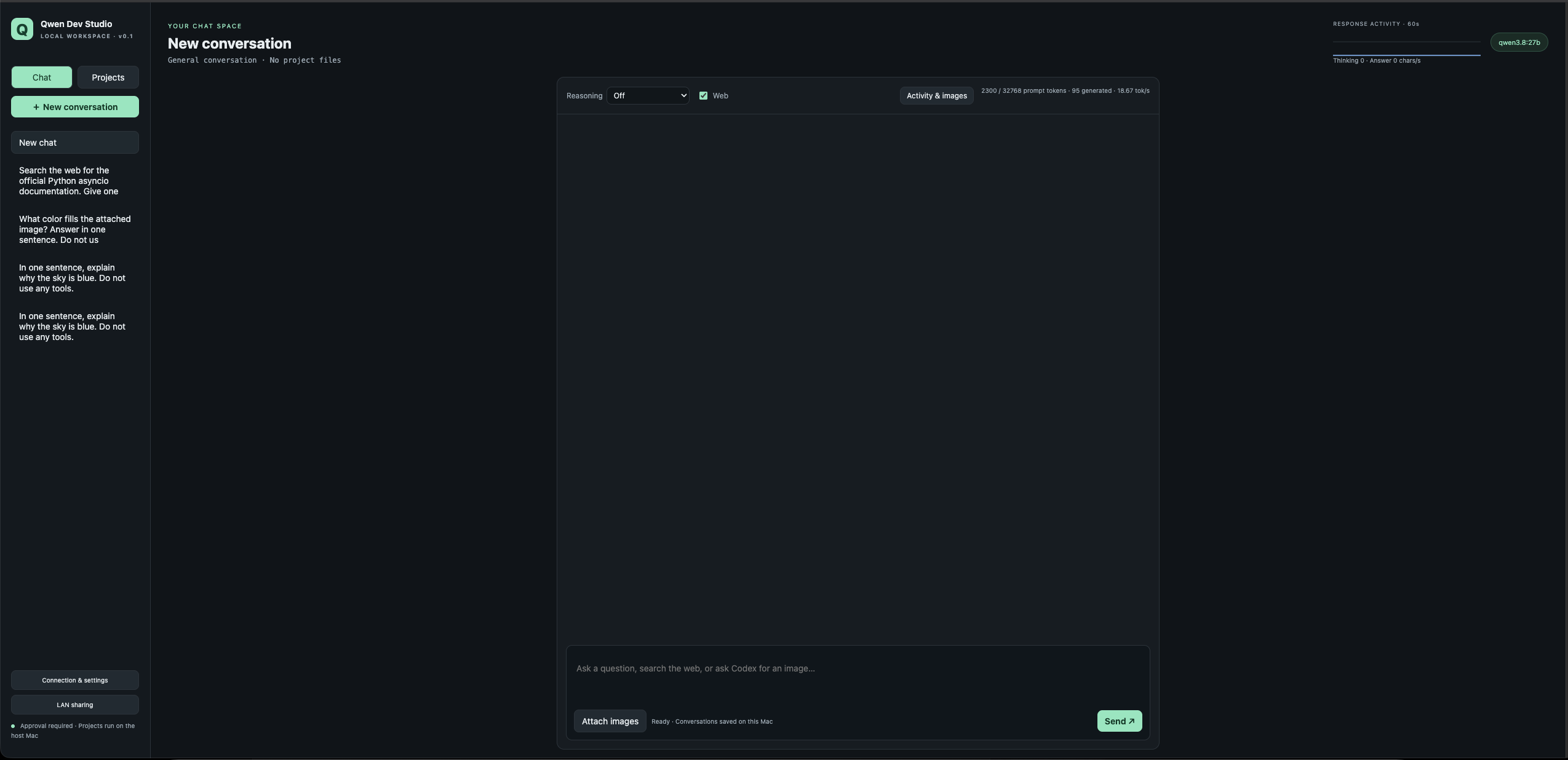
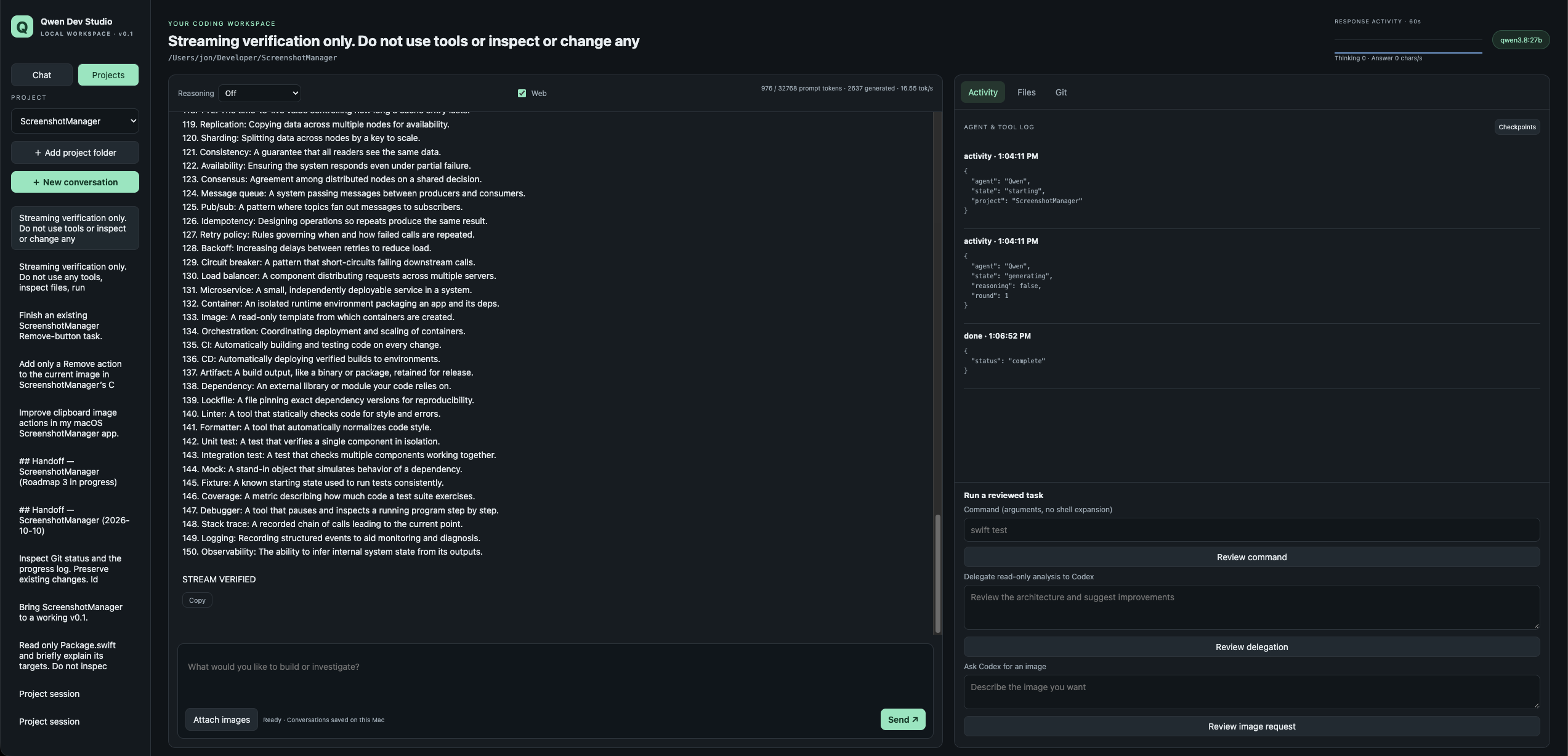
Use Chat for a conversation, or select a local project when you want to work on its code.
Watch streamed answers, thinking and tool activity. Inspect the proposed action before choosing Approve once or Deny.
Return to saved conversations and checkpoints. Review interrupted work before starting a recovery task with fresh approvals.
Qwen Dev Studio is in active development. It is being shaped around reliable everyday use and longer coding tasks. Public installation packages are not offered on this page.
The menu bar launcher opens the browser workspace and manages the local backend. Qwen connects through your configured Ollama server. Optional Codex features use your existing CLI login.